
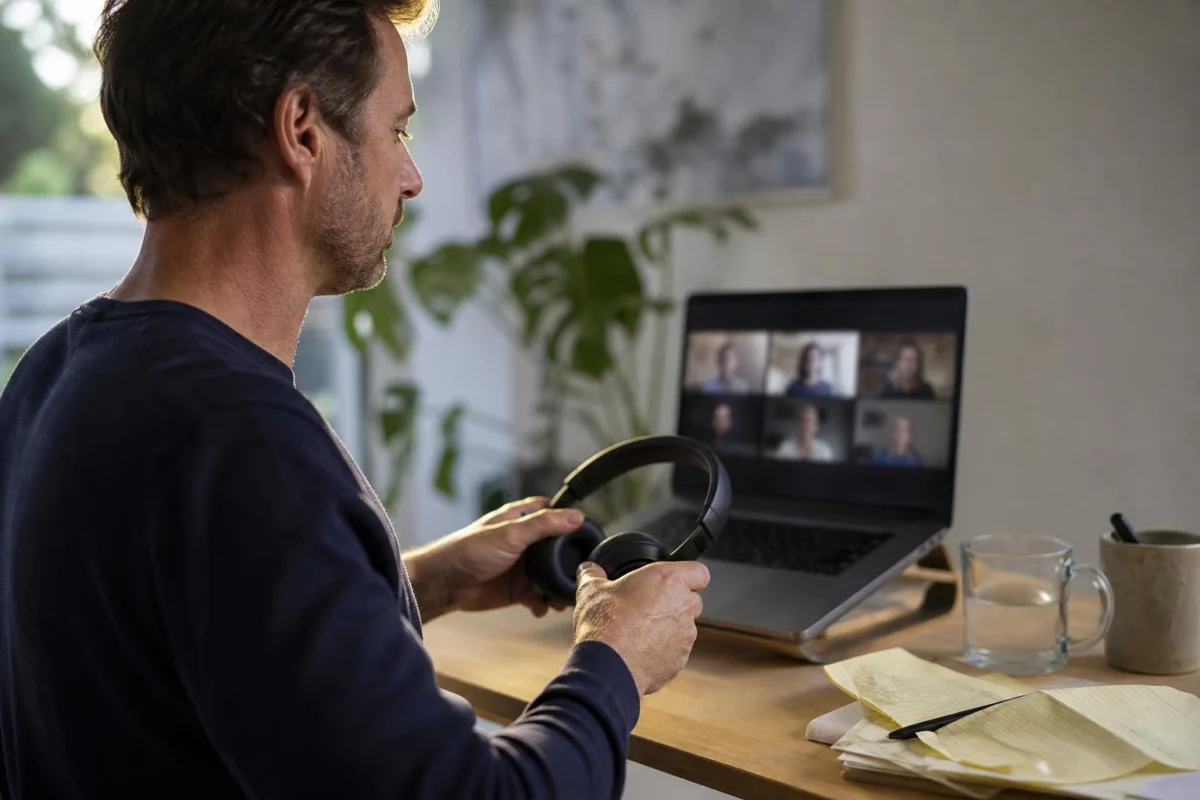
The meeting ends, the shared screen vanishes and, for a second, there is only your own small webcam image in the black window. Your shoulders are still arranged for the call, your headphones may still be on, and several chat messages have arrived while people were talking.
A long video meeting leaves a particular kind of mess: not necessarily a busy desk, but an open call link, half-read notes, a fixed sitting position and a sense that every point raised needs an answer immediately. Deal with the residue in a set order so the call is properly over before the rest of your work competes for attention.
Three rules for leaving a long call behind
- Make one short record before closing anything. Look at your notes and write down the one commitment, decision or question that belongs to you. Include a person or deadline where that makes the note clearer. “Check the revised quote before Thursday” is far more useful than “quote”. If there is nothing for you to do, write nothing.
- Strip the call from your screen. Leave the meeting, close the video window and shut the chat, shared document and presentation that were only needed for that conversation. Keep a file open only if it is the file you will work on next, rather than an artefact of the call.
- Break the webcam position. Take off the headset, stand up and look at something farther away than your monitor. Refill your water, put a mug in the kitchen, go to the bathroom or walk to a window. A different room is useful at home; in an office, the printer or kitchen is enough.
- Use the calendar to decide the return. Check whether another call begins soon. If it does, open its link and the one relevant page, then stop. If there is working time ahead, return to the task that was already planned unless the note you wrote has a genuine earlier due time.
At 3.05 pm, after the budget call
Your 75-minute budget meeting has run five minutes over. The shared spreadsheet is still open, Teams chat is flashing and your notebook says that you agreed to check the stationery estimate. Your next meeting is at 4 pm.
Write: “Check stationery estimate in May budget; reply to Leila today.” Close Teams and the presentation, but leave the budget spreadsheet closed as well: it is not the job you were about to do. Take your water bottle to the kitchen and return a few minutes later. With almost an hour available, open the report you had blocked out for the afternoon. The budget check has a clear home in your task list, rather than taking over simply because the spreadsheet is on screen.
Why this order helps after video calls
Long calls make it easy to confuse visible material with urgent work. The document someone shared, the chat thread and the list of attendees are all still in front of you, so reopening them can feel like continuing to be productive. Often they are only reminders of a conversation that has finished.
Writing one usable item separates an actual responsibility from the general noise of the meeting. It also means you are less likely to keep the call window open merely because you are worried about forgetting something. The record can be a task list, notebook or the project page your workplace already uses; the important part is that it says what must happen next.
Closing meeting-specific windows matters for a straightforward reason: the call remains visually available until you remove it. A clean desktop is not the aim here. You are simply taking away the links, faces, slides and messages that keep drawing you back into the discussion when the next piece of work needs a different set of materials.
The brief change of position is equally ordinary. Video calls tend to keep your eyes on one distance and your body in one arrangement for longer than a phone call or a conversation at a table might. Standing, removing the headset and looking beyond the monitor marks a change in activity without adding another task to the day.
Exceptions for a crowded meeting day
What if the meeting was tense?
Save factual notes and leave the call screen before drafting a response, unless a reply truly has to go out at once. After a short walk or drink, identify the concrete issue to check or the one acknowledgement required. A considered response is easier to write when you are no longer staring at the grid of faces.
What if another video meeting starts in two minutes?
Use the compressed version: write the essential follow-up, exit the first call, open the next link and put on or check your headphones. Skip email and unrelated documents. The fuller screen break can happen after the next fixed commitment.
What if there are several follow-ups?
List them separately with enough detail to distinguish them, then return to the calendar. Start only the item that has a near deadline or has been allocated immediate attention. The rest can wait in the same trusted place as other work tasks.
The call is over when its residue is contained
After a long video meeting, aim for four signs: the relevant follow-up is recorded, the call materials are shut, your body has moved away from the webcam setup, and your next calendar decision is made. Once those are done, stop reviewing the meeting and give the next hour the screen, file and attention it actually requires.